
Image & realism
How to write realistic AI portrait prompts
Use a clear photographic idea, describe only the details that support it, and improve one visible problem at a time. These are model-agnostic, SFW starting points for portraits of adults.
Based on official documentation, public benchmarks where relevant, and corroborated practitioner reports where useful. No placement in these guides is paid.
The short answer
What I would pick
Start with subject, place, one light source, and camera position. Generate a small batch, diagnose the largest visible failure, and change one phrase. If you are still choosing a checkpoint, use our current realism model comparison.
On this page
Skip to the part you need
From the public gallery
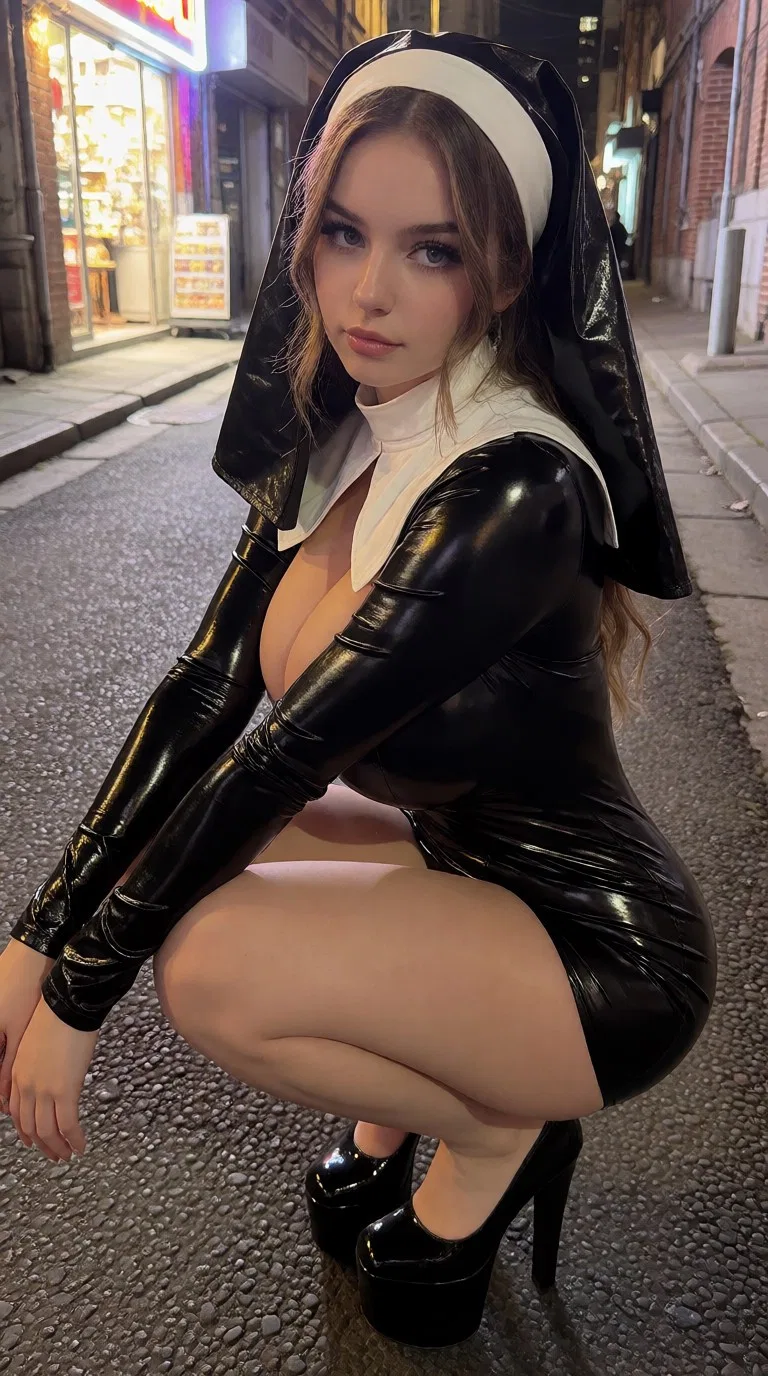
Realistic portrait examples from the gallery
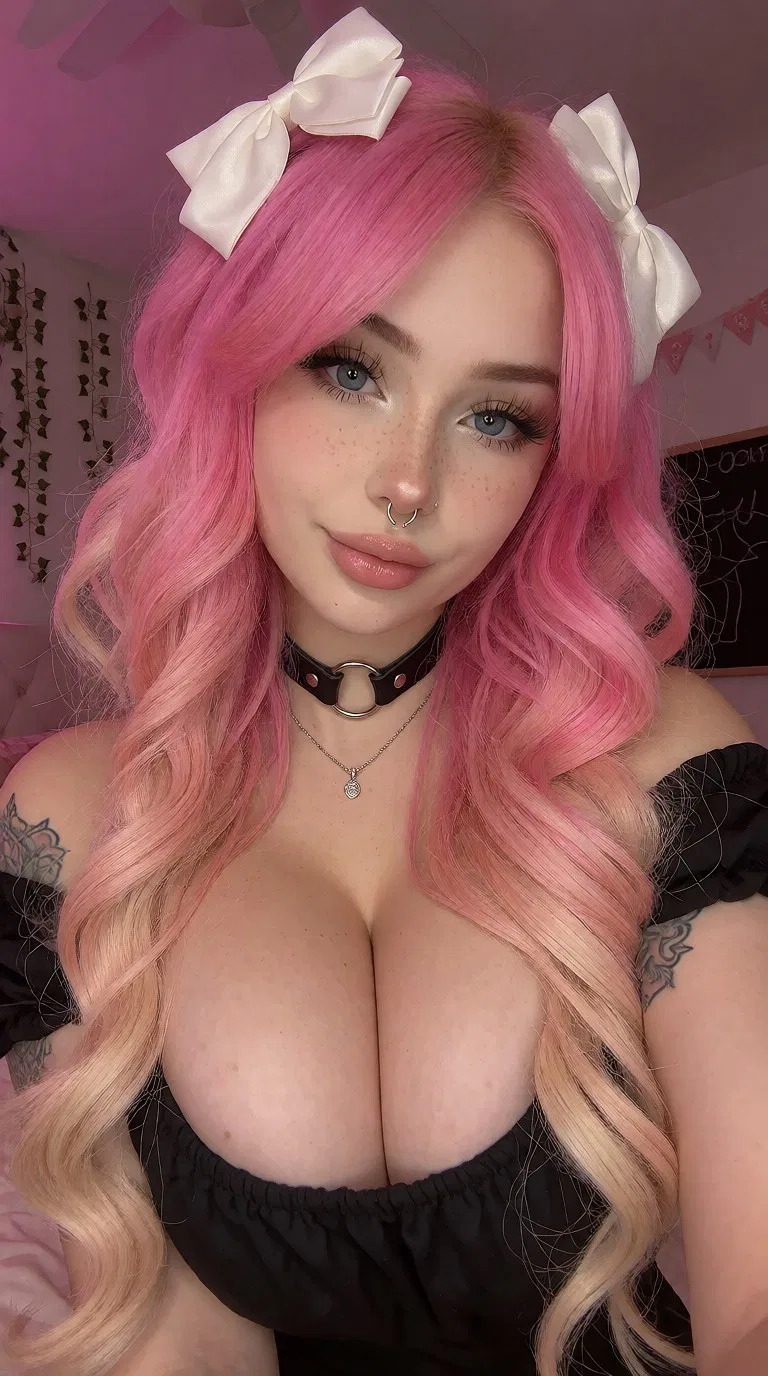
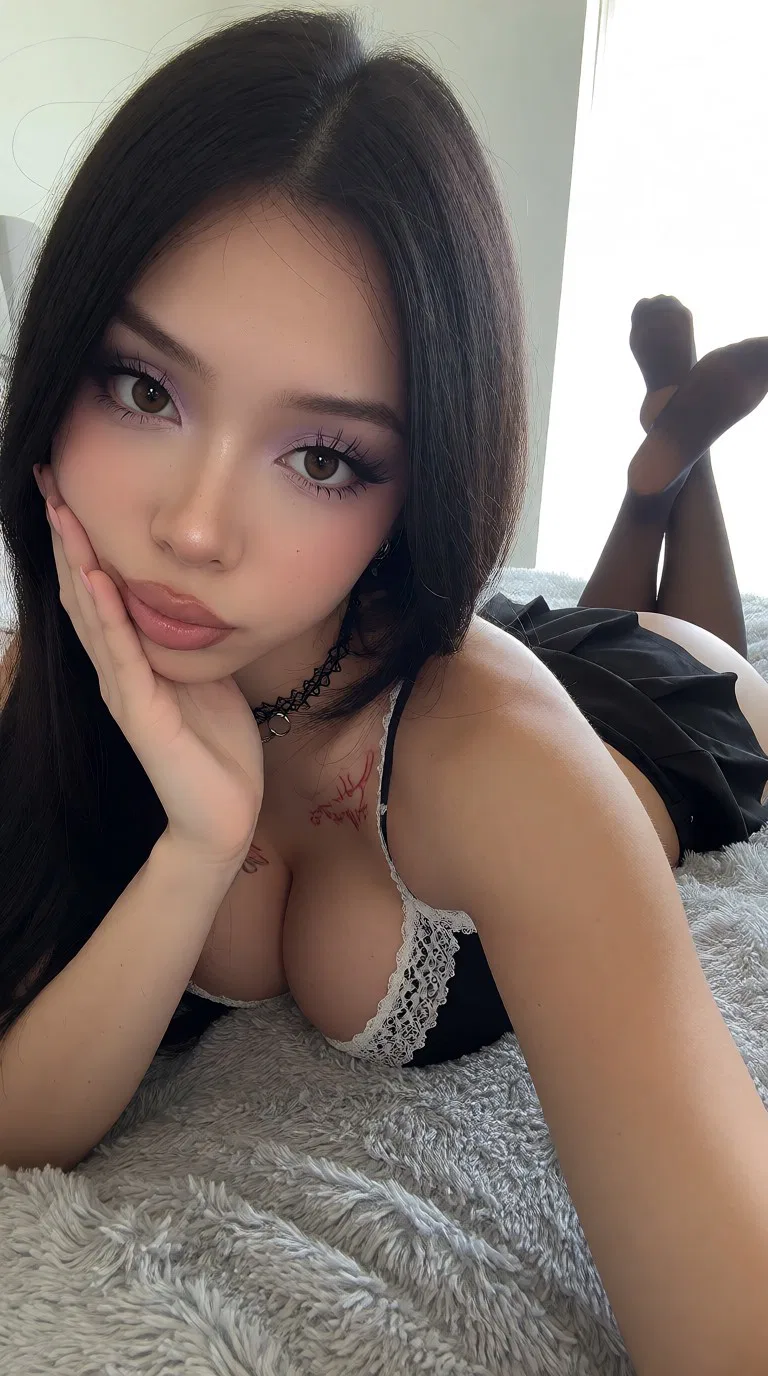
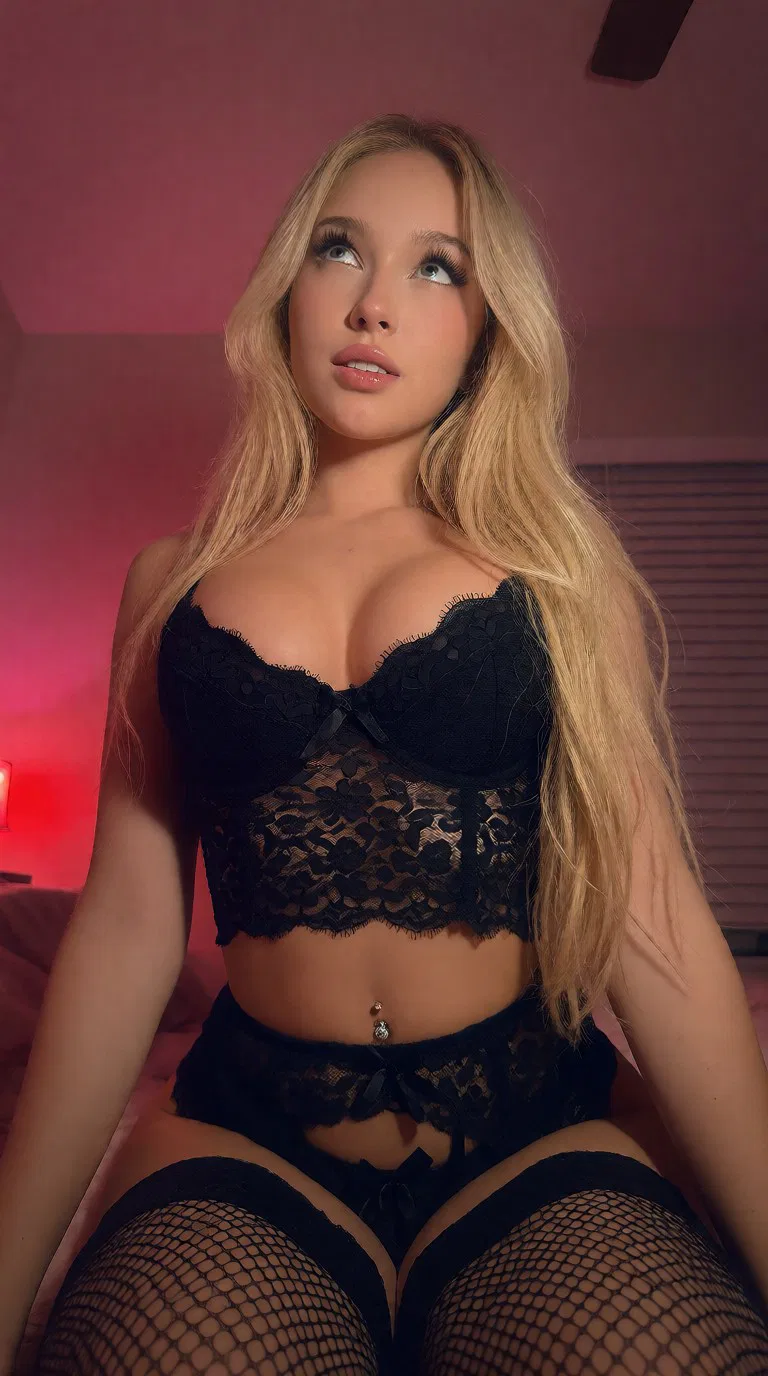
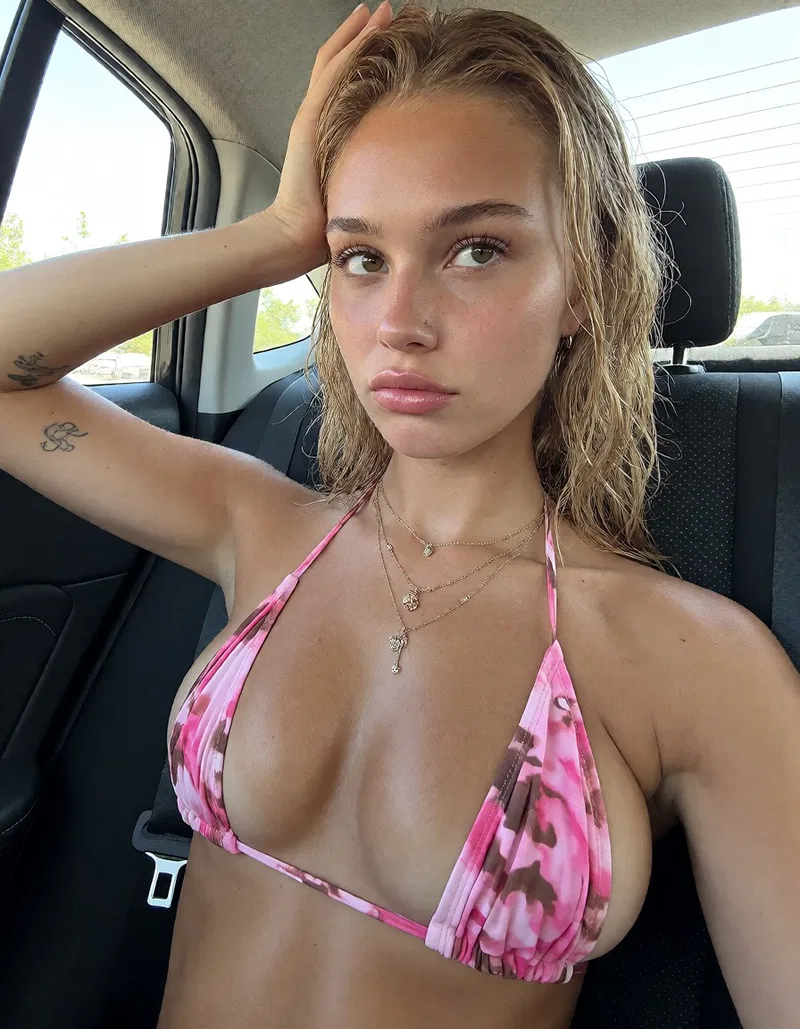

The basic formula
Build the prompt in six useful layers
- Subject: identify an adult subject, expression, wardrobe, and pose without stacking contradictory details.
- Place: give the portrait a believable room, street, landscape, or studio.
- Light: choose one main source such as a large window, overcast daylight, golden-hour sun, or direct flash.
- Camera: describe the framing, lens feel, camera position, and depth of field.
- Surface: request natural skin, fabric, hair, and environmental texture rather than maximum detail everywhere.
- Finish: add restrained color and image character only after the scene is coherent.
Adult subject + expression and pose + believable setting + one light source + camera and framing + natural texture + restrained color finishCopyable starting point
Soft-window portrait prompt
Realistic close portrait of an adult woman sitting beside a large apartment window, relaxed expression, simple neutral shirt, soft directional morning light from camera left, natural catchlights, 50mm lens feel, eye-level camera, shallow but believable depth of field, natural skin texture, detailed hair and fabric, softly rendered room in the background, restrained color, documentary photographyWhy it works: the window establishes one readable light direction; the camera position and lens feel establish perspective; the texture request covers the whole frame instead of demanding pores only on the face.
Two variations
Change the photographic situation, not every adjective
Photorealistic portrait of an adult woman on a quiet city street after rain, calm direct gaze, dark jacket, overcast daylight, soft reflections on the pavement, waist-up framing, 85mm portrait lens feel, realistic background compression, natural skin and fabric texture, subtle cool color gradeRealistic environmental portrait of an adult woman outside a small late-night cafe, candid half-smile, warm light from the doorway as the key light, cooler street ambience behind her, chest-up framing, handheld 35mm camera feel, believable low-light grain, natural skin texture, coherent reflections and shadowsKeep the subject description simple while testing. Once the lighting, perspective, and setting work together, add specific wardrobe or styling details.
Model choice
Choose the model for the job you are actually doing
A popular model is not automatically the best portrait model for your workflow. Test the same short prompt and seed strategy across the models available to you, then compare whole images at full size. For a versioned comparison of Z-Image, Nano Banana 2, and FLUX.2, read the realism model guide.
- Text-to-image: prioritize prompt adherence, plausible anatomy, coherent backgrounds, and consistent light—not just a detailed face.
- Reference or image-to-image: prioritize composition and identity control when you already have a useful source image.
- Editing: use a model designed for local changes when the image is already strong and only the clothing, setting, color, or expression needs adjustment.
- Resolution: begin at the model's recommended native dimensions. Upscaling cannot reliably repair malformed hands, jewelry, or perspective.
Model names and versions change quickly. A repeatable comparison with your own prompts is more useful than treating a permanent “best model” list as fact.
Troubleshooting
Fix one failure at a time
- The face looks plastic
- Remove beauty, flawless, perfect, hyper-detailed, and similar amplifiers. If it survives a clean base-model test, follow the full plastic-skin diagnostic before adding grain or another LoRA.
- The portrait looks like a cutout
- Describe how the environment lights the subject. Add one believable key light and a background that responds to the same exposure.
- The composition feels synthetic
- Specify eye-level, waist-up, off-center, close portrait, or environmental portrait. Avoid requesting cinematic, editorial, candid, and passport-style framing at the same time.
- Hands or accessories break
- Simplify the pose and remove unnecessary jewelry or props. Generate a sound composition first, then use a targeted edit if your tool supports it.
- The result ignores important details
- Shorten the prompt. Put the subject, setting, light, and framing before decorative style terms, and remove instructions that compete with each other.
A practical workflow
Prompt, compare, diagnose, then edit
- Generate a small batch from the shortest version of your prompt.
- Choose the composition with the best light, pose, and background—not merely the prettiest face.
- Name the single largest failure: framing, anatomy, texture, light, or unwanted detail.
- Change one prompt phrase or make one private edit, then compare again.
- Stop adding descriptors when the new words no longer produce a visible improvement.
The gallery examples show useful visual outcomes; they are not presented as exact prompt-and-seed reproductions unless explicitly labeled that way.
Compare realistic results.
Open a gallery example, inspect the full frame, and follow related photography tags.
Research notes
Primary sources and further reading
Model names, licenses, limits, and prices move quickly. These are the sources used for the dated market check above; confirm live pricing and terms before spending money.
- BFL photorealism guideConcrete photographic prompting advice from the FLUX team.
- FLUX.2 prompting guideCurrent guidance on structured prompts and model behavior.
- ComfyUI documentationWorkflow, sampling, image-to-image, and model-node references.
- Gemini image-generation docsCurrent hosted generation and editing capabilities.