
Image & realism
Candid and digicam AI photo prompts
Create the snapshot feeling with a specific moment, a simple camera position, direct flash or available light, and one or two controlled imperfections. These SFW examples describe adults.
Based on official documentation, public benchmarks where relevant, and corroborated practitioner reports where useful. No placement in these guides is paid.
The short answer
What I would pick
Describe the moment before the filter: what the subject is doing, where the camera is, and why the light looks that way. Add one compact-camera artifact only after the scene works. A pile of “candid” and “2000s” keywords cannot rescue a staged composition.
On this page
Skip to the part you need
From the public gallery
Candid and digicam examples from the gallery
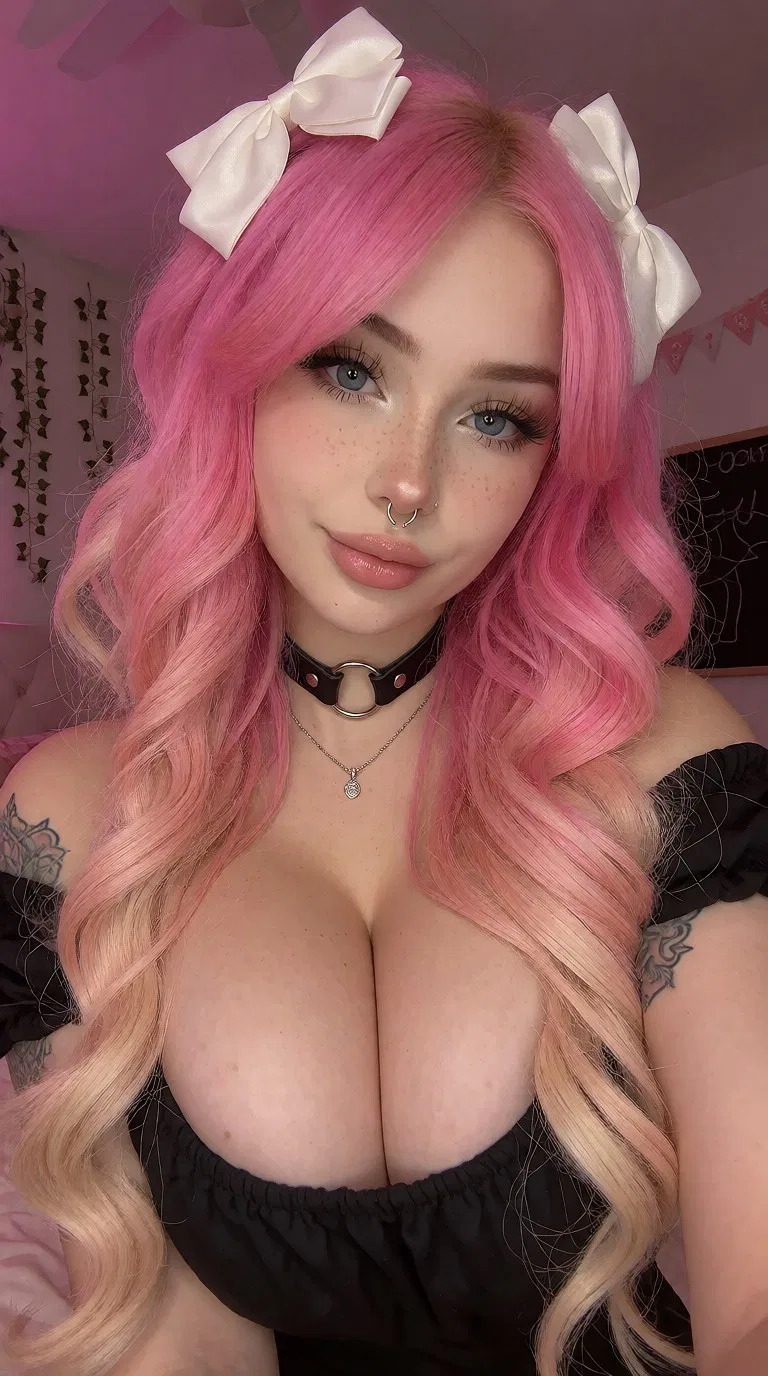

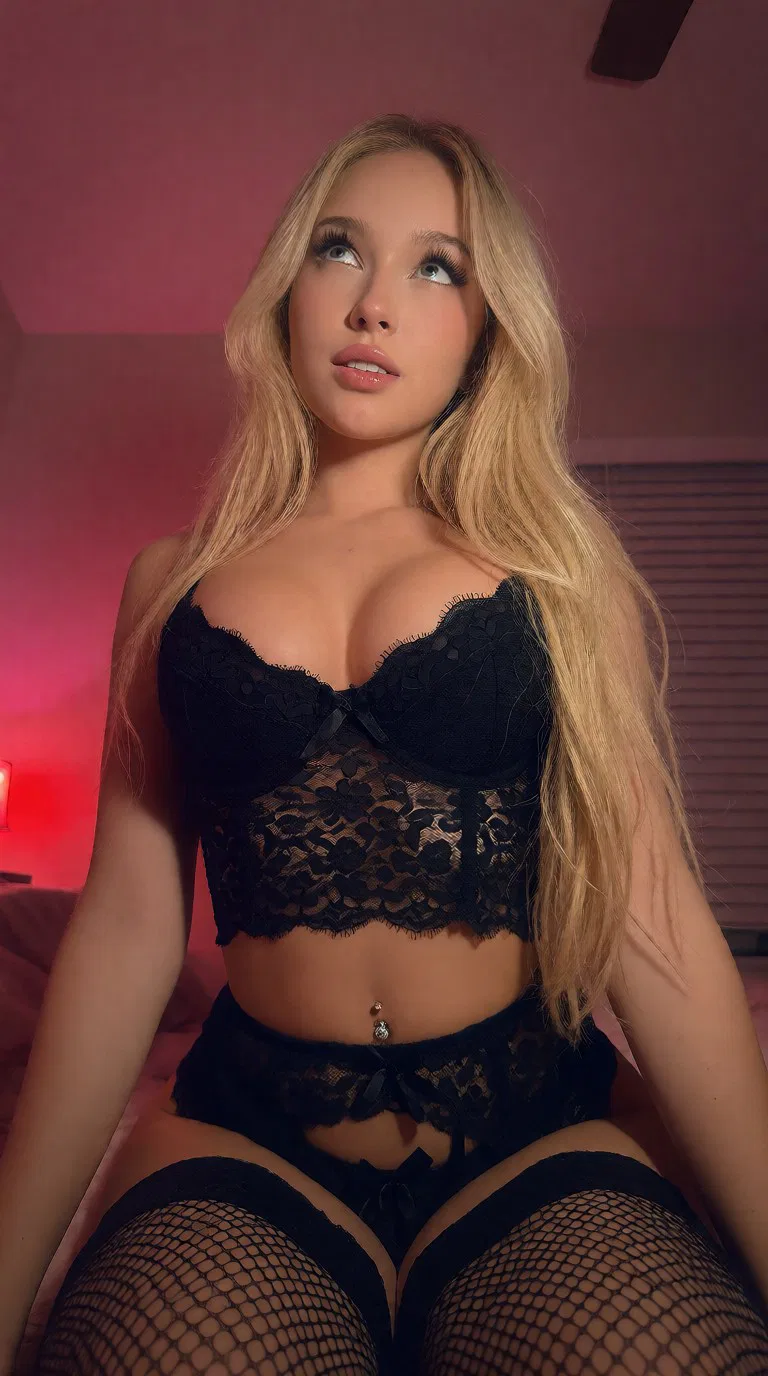
The basic formula
Describe a moment before describing a filter
- Moment: give the adult subject something natural to do—turn toward a friend, pause at a doorway, laugh, walk, or look away.
- Place: choose an ordinary environment with useful context such as a kitchen, hallway, party, street, car, or cafe.
- Flash or available light: decide which source controls the face and foreground.
- Framing: use an off-center crop, eye-level viewpoint, or quick waist-up composition.
- Camera character: add compact-camera color, modest noise, slight motion, or clipped highlights—but not all defects at maximum strength.
Adult subject doing something + everyday location + direct flash or available light + casual camera position + compact-camera color + one controlled imperfectionCopyable starting point
Indoor direct-flash snapshot
Candid compact-camera photo of an adult woman turning toward a friend at a small house party, spontaneous smile, simple evening outfit, direct on-camera flash, bright foreground with a darker room behind her, slightly off-center waist-up crop, eye-level handheld viewpoint, early-2000s consumer digicam color, mild sensor noise, realistic skin and fabric, imperfect but believable snapshot compositionWhy it works: the action creates a moment, the flash explains the exposure, and the darker background follows naturally from a small on-camera light source.
Two variations
Keep the snapshot logic consistent
Early-2000s digicam snapshot of an adult woman outside a convenience store at night, looking back toward the camera while walking, direct compact-camera flash, fluorescent storefront light in the background, quick shoulder-level framing, slight motion in loose hair, modest highlight clipping, realistic low-light noise and casual colorCandid daylight photo of an adult woman laughing with friends at an outdoor table, photographed from a nearby seat, natural unposed posture, uneven late-afternoon sunlight through trees, slightly tilted waist-up framing, 35mm compact-camera perspective, gentle motion blur in one hand, believable skin, clothing, table objects, and background detailThe nighttime example combines flash with visible ambient light. The daylight example removes flash and uses action plus camera position to create the candid feeling.
Model choice
Test whether the model understands photography, not just faces
Run the same compact prompt through the models available in your tool. A useful candid model should preserve the scene when the framing becomes less formal.
- Prompt adherence: does direct flash actually change foreground and background exposure?
- Scene coherence: do hands, friends, furniture, signs, and reflections remain believable away from the main face?
- Casual composition: can the model handle off-center crops and action without destroying anatomy?
- Edit support: if the base image is close, can you change lighting, clothing, or background without regenerating everything?
- Native output: test at the model's recommended dimensions before judging grain or fine detail.
If a model turns every prompt into a centered beauty portrait, adding more “candid” keywords usually will not solve the underlying model bias. Try a different model or begin from a useful reference composition.
Troubleshooting
Common failures and direct fixes
- It still looks like a studio portrait
- Add a physical action, an eye-level observer position, environmental objects, and an imperfect crop. Remove glamour, professional studio, centered, and symmetrical language.
- The flash looks pasted on
- Ask for a bright foreground, defined nearby shadows, reflective highlights, and a darker ambient background. Those effects should appear together.
- The image looks damaged rather than nostalgic
- Use only one or two restrained artifacts: mild sensor noise, modest clipping, slight motion, or a small color cast. Do not maximize all of them.
- The background becomes nonsense
- Reduce the number of people and props. Name a simple place and two important environmental details instead of inventorying the entire room.
- The subject looks too posed
- Replace pose instructions with an action: turning, reaching, laughing, entering, leaving, or reacting to someone outside the frame.
A practical workflow
Find the moment first, then add camera character
- Generate the action and composition with a short prompt.
- Choose the result with the strongest relationship between subject and environment.
- Add direct flash, available light, or compact-camera color in a second pass.
- Introduce one imperfection only if the image still feels too polished.
- Use a targeted private edit for a specific change instead of repeatedly rewriting a prompt that already produced a good composition.
Gallery examples demonstrate the visual style. They are not claimed to reveal an image's original generation prompt or guarantee an identical result in another model.
Compare the snapshot styles.
Open an example and follow the candid, digicam, and 2000s collections.
Research notes
Primary sources and further reading
Model names, licenses, limits, and prices move quickly. These are the sources used for the dated market check above; confirm live pricing and terms before spending money.
- BFL photorealism guidePhotographic framing, lighting, and material-detail guidance.
- FLUX.2 prompting guideCurrent structured prompting recommendations.
- ComfyUI documentationWorkflow references for generation, editing, and repeatable comparisons.
- Gemini image-generation docsCurrent hosted image generation and targeted editing behavior.